Meet your Shroozy Bot: introducing Shroozy Cloud
A friendly 3D companion you name yourself, with memories you choose and a private account for your books and music.
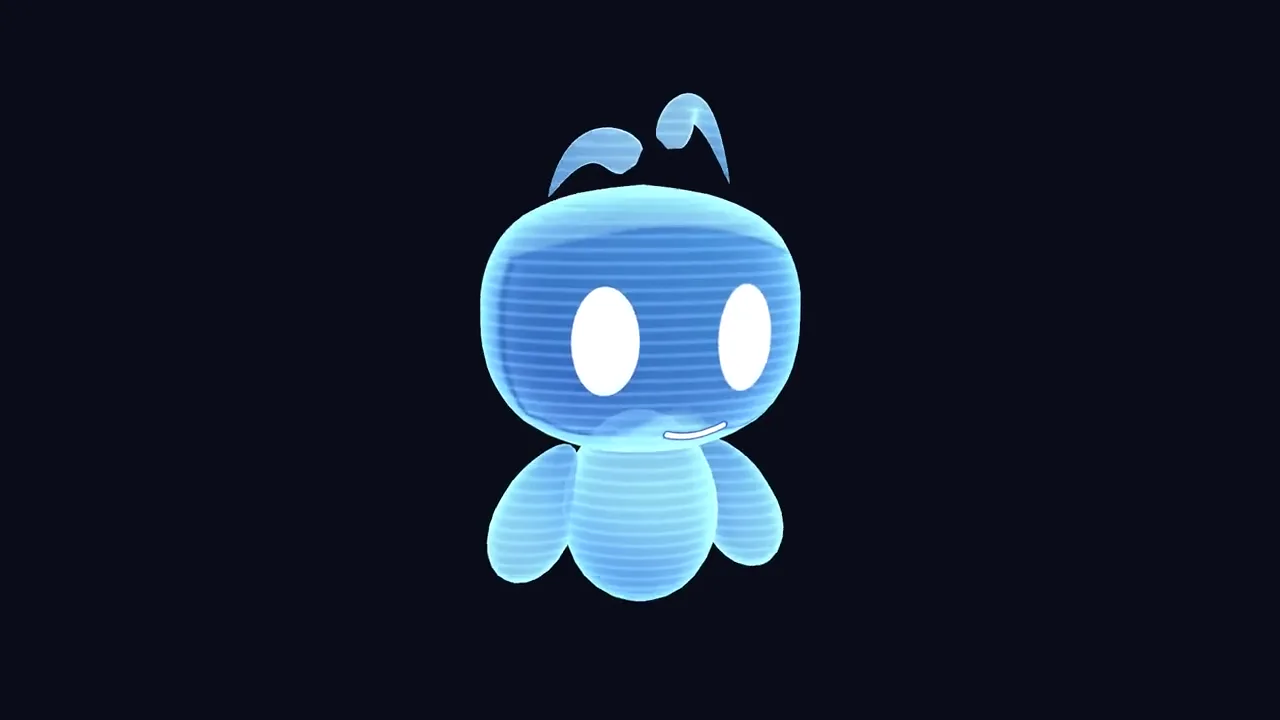
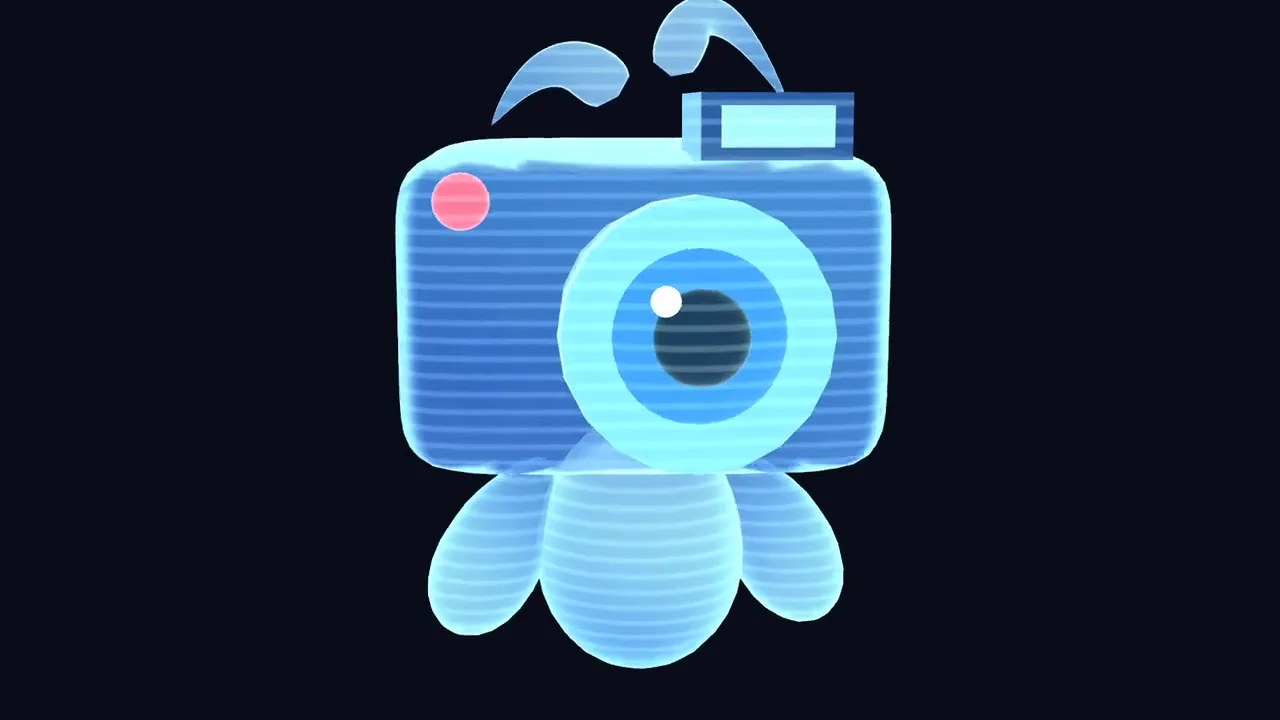
A companion begins with something personal: a name you choose. Shroozy Bot is your personal AI companion, a friendly 3D presence you can talk to by voice or chat. You name your Bot yourself, then choose the memories and preferences you want it to keep.
Shroozy Cloud brings that companion together with your books and music in one private account. The idea is simple: one account for your Bot and your library, with ways to meet on the web, in VR and in mixed reality. One Shroozy Bot. Every world.
Come and look around
You can meet Shroozy Bot in 3D through Shroozy WebXR, or in VR on a headset. No account is needed to look around. If you would like to start there, try Shroozy WebXR at shroozy.tech.
That first look is an invitation to meet your XR companion. When you want to make it yours, log in to Shroozy Cloud. Your account is where you name your Bot, choose its memories and keep your books and music. Looking around and making it personal are separate steps, so you can begin with a look before creating an account.
Make it yours
The first step is to create an account and name your Bot. That account brings your companion and library together. A name is a small choice, but it is also the beginning of making this companion yours.
From there, you can chat or use your microphone. Both are ways to talk with the same friendly 3D companion. You can meet Shroozy Bot on the web and in mixed reality, keeping the companion at the centre of the experience as you choose where to meet.
Choose what helps
The second step is to choose the apps and memories your Bot can use. You can connect Gmail and Calendar when you want a little help with your day. Access to Gmail and Calendar is read-only. Those connections are choices you make, alongside the memories you want your companion to keep.
Shroozy Bot keeps the name and preferences you give it. You can view those memories, edit them, ask it to forget, or switch memory off. Keeping something in memory is a choice you can revisit. You can look at what is there and decide whether it still belongs.
Your books and music have a place here too, in a private library. Shroozy Cloud keeps that library and your companion’s memories in one private account. It brings these parts together while leaving the choice of apps and memories with you.
Bring it into your space
The third step takes your companion into the room. Open Shroozy in a compatible headset browser and choose mixed reality to place your Bot in your space. You can also meet in 3D on the web or in VR on a headset.
The same companion idea appears inside Vicarious, where Shroozy is a hologram companion you can summon and dismiss. You can read about that in Meet Shroozy, the companion taking shape in Vicarious. Here, Shroozy Cloud brings the focus to your personal companion, the memories you choose and the books and music you keep.
Start with a look around, then make it yours when you are ready. One account. Your Bot, in every world.